

TallyPrime Cloud Access
Access your TallyPrime data securely from anywhere and work seamlessly with your team. Keep your business connected, your data safe, and your accounting operations running smoothly—even when your team works from different locations.
What is Tally on Cloud?
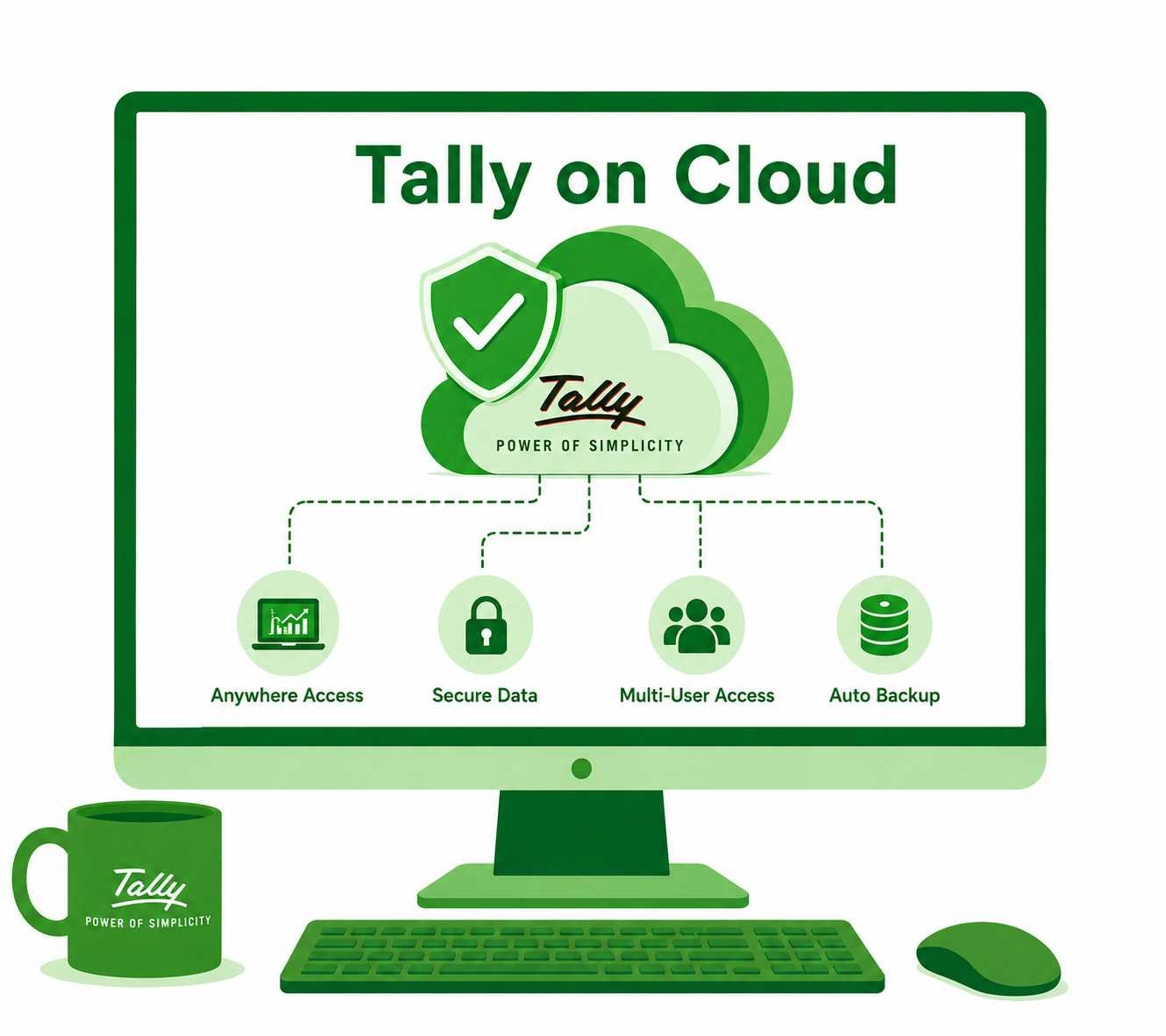
Tally on Cloud moves your local Tally software to a secure remote cloud server. Instead of keeping your data locked inside a single computer in your office, you log in through a web browser or secure virtual client.
Multiple users from different offices can work on the same Tally data at the same time. You get full Tally desktop features without buying expensive local servers or managing network cables.
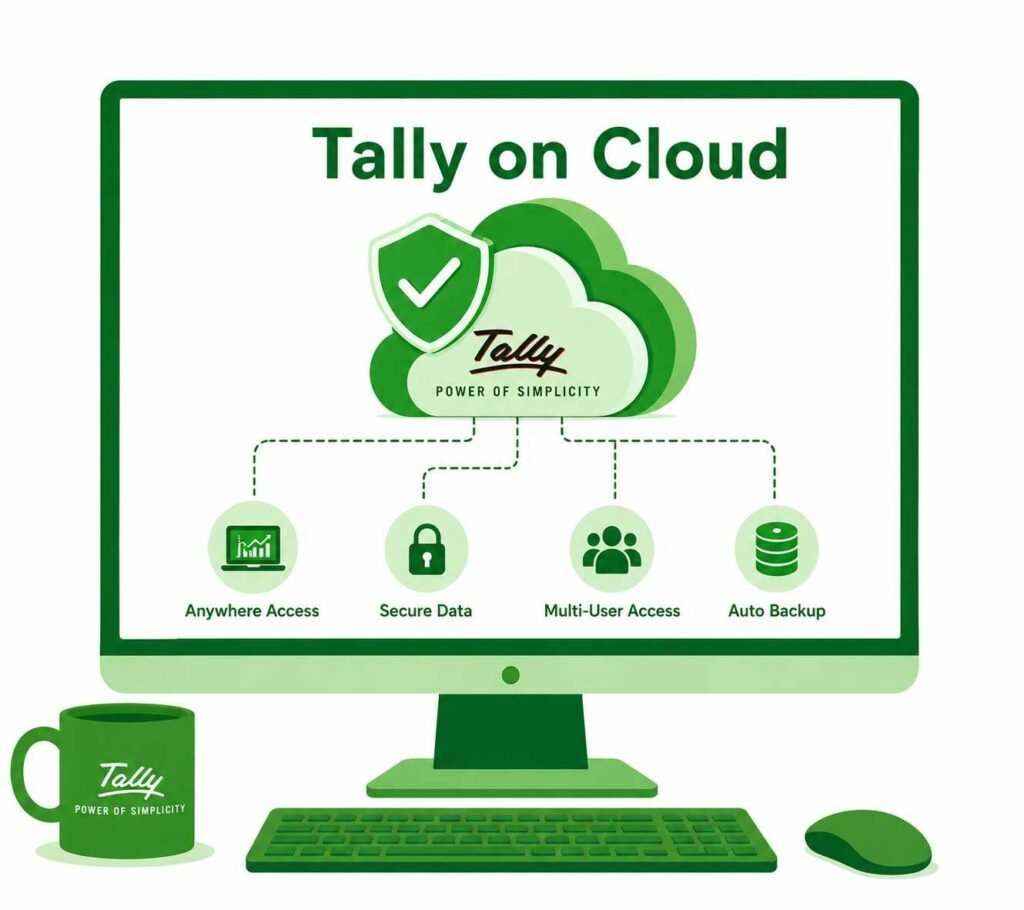
Key Features of Sam Tally Cloud Services
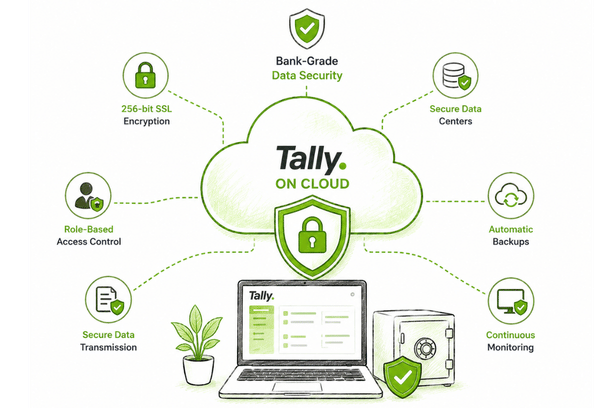
True Device Independence
Work on Tally regardless of your operating system.
- Mac and Linux Support: Open Tally seamlessly through Chrome, Safari, or Edge without installing Windows desktop tools.
- Remote Printing: Print invoices directly to your local office printer with a single click.
- Fast Data Transfer: Download reports or upload Excel vouchers smoothly between your PC and the cloud.
Bank-Grade Data Security
Protect your business records against malware, hardware failures, and unauthorized logins.
- Two-Factor Access: Log in using your registered credentials combined with a unique security PIN.
- Role-Based Access: Grant view-only or full-edit rights to individual staff members or outside accountants.
- Data Isolation: Your company database runs on isolated cloud storage separate from other users.
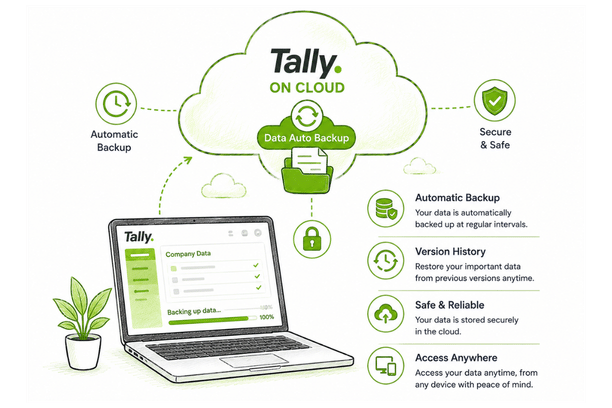
Automated Backup Protection
Avoid losing accounting records due to system crashes or local hard drive failures.
- Automatic daily backups run in the background without slowing down your work.
- Encrypted backup files store safely offsite on enterprise cloud infrastructure.
- Restore your financial records quickly using our self-service portal whenever needed.
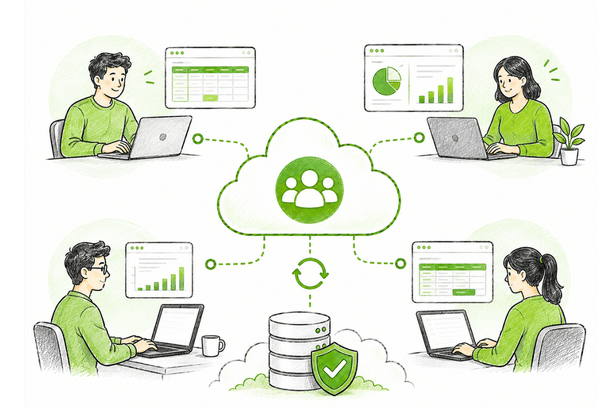
Multi-User Real-Time Collaboration
Keep your accounting team, inventory managers, and business owners on the same page.
- Multiple team members can enter sales bills, check stock, and post vouchers simultaneously.
- Real-time stock updates allow warehouse teams to manage inventory across multiple locations.
- Owners can review cash flow reports and balance sheets on mobile devices while traveling.
Cloud Setup Process with Sam Tally
Setting up Tally on Cloud takes less than an hour. We handle the entire server configuration so your business stays up and running.
Share Your License Details
Tell us how many users need access and provide your current Tally Prime license type (Silver or Gold).
Server Configuration
We set up your cloud instance, assign security settings, and migrate your existing Tally data smoothly.
Login and Start Working
Your team receives secure web login credentials and brief guidance to start working instantly.
Work Without Interruptions
Multiple people can load companies, save entries, print reports, and take backups at the same time, without waiting on each other.
Better Control Over Who Sees What
Only the server name is needed to connect, not the file location. Backups and restores need proper permission, so your data stays protected.
Let’s discuss about how we can help make your business better

Why Choose Sam Tally for Cloud Hosting?
We bring practical setup experience and ongoing technical support so your software stays fast and reliable.
Speed Optimization:
We configure server parameters so large Tally data files load without delay.
Data Migration Assistance:
Our team moves your existing company data to the cloud with zero downtime.
Dedicated Help:
Reach our support line for quick help with printer drivers, user permissions, or login access.
If none of these match your business yet, a standard TallyPrime Gold license may be enough for now. Sam Tally can help you check which one fits.
TallyPrime Cloud Access
TallyPrime Pack
TallyPrime latest release pre-installed-
Auto-renew until cancelled
-
+18% GST (₹ 108)
TallyPrime Server Pack
TallyPrime and TallyPrime server latest realease pre-installed-
Auto-renew until cancelled
-
+18% GST (INR 135)

Request a free quote
Get Started with Tally on Cloud
Connect your team, work from anywhere, and keep your accounting data safe.
Frequently Asked Questions
Can I run Tally on Cloud on a Mac computer?
Yes. Tally on Cloud works directly inside web browsers like Safari and Chrome on macOS devices. You do not need to purchase separate Windows virtualization software for your Mac.
What internet speed do I need for smooth performance?
A basic internet connection of 2 Mbps to 5 Mbps per user is sufficient. Tally on Cloud transfers light interface data, making it work smoothly even on mobile hotspots.
Where is my Tally data stored?
Your data is stored on secure cloud servers using encrypted storage. Backups are saved offsite daily to protect against data loss.
Can I take my Tally data back to my local PC later?
Yes. You own your data completely. You can download a backup of your company data to your local hard drive at any time through the self-service portal.
How do I know if my business needs it?
If your team is growing past 10 users, or you're seeing slowdowns with multiple people working at once, it's worth checking. Sam Tally can review your setup and tell you honestly if you need it yet.