
image

Learn TallyPrime from a Certified Tally Training Partner

Master practical accounting, GST, inventory, payroll and business reporting with hands-on TallyPrime training. Learn from experienced trainers and gain the confidence to handle real-world accounting tasks.

ABOUT US

About TallyPrime Course

About Us

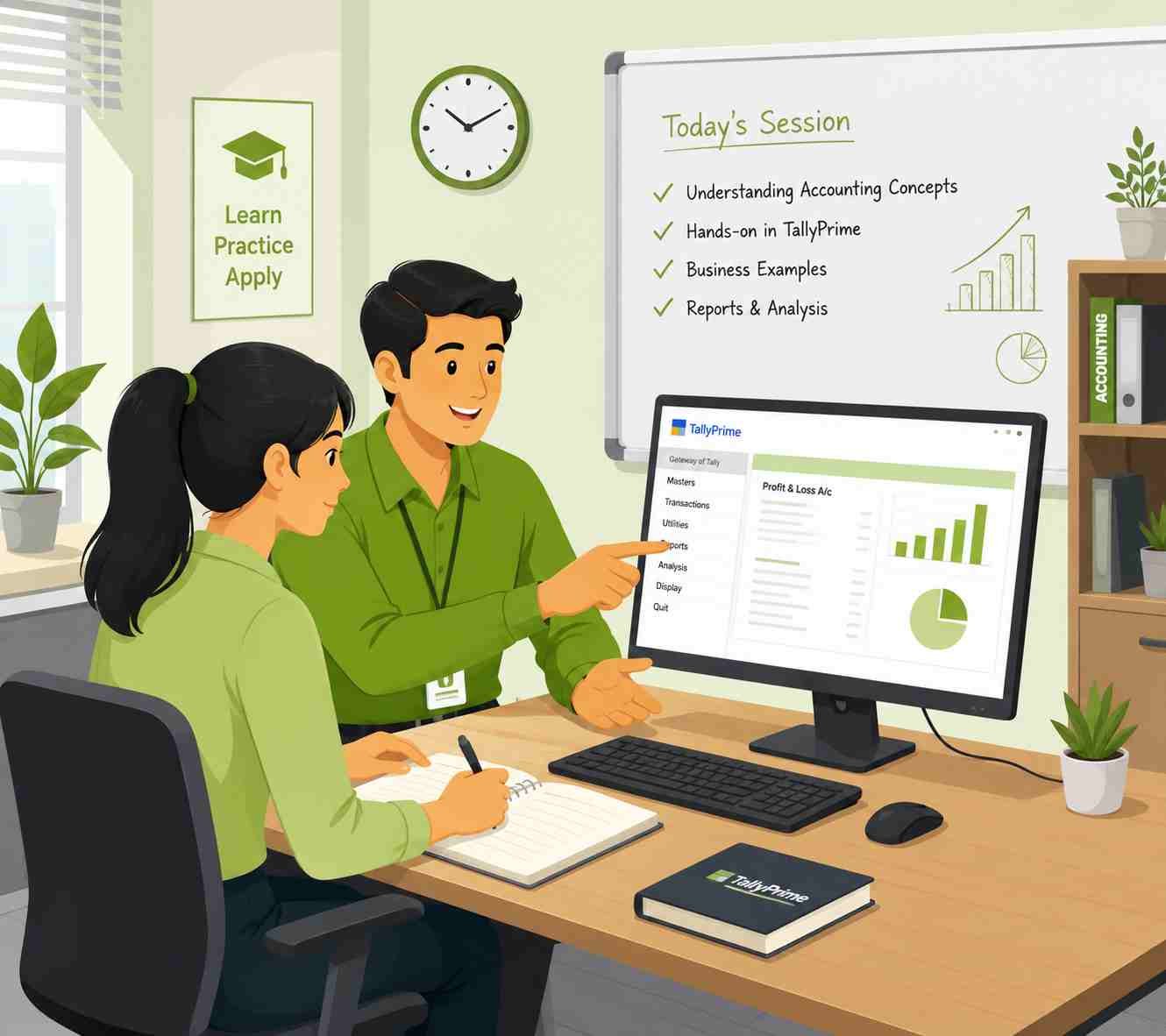
Our Tally Course is designed to help students, graduates, accountants and business professionals develop practical accounting skills using TallyPrime. From company creation and voucher entries to GST, inventory, payroll and financial reports, the course prepares you to work confidently with day-to-day business accounts.

You will learn through guided practice, real-world transactions and structured exercises—not just theory.

Antony

CEO & Founder

TallyPrime Course
image
TallyPrime Course

Why Tally Certification?

Tally

Tally is India's most trusted business accounting software, used by over 10 million businesses nationwide. Learning Tally isn't just about software—it's about unlocking real career opportunities.

Industry-Recognized Credential

Tally certificates are valued by employers across accounting firms, SMEs, and startups

GST & Tax Compliance Skills

Handle real-world GST returns, e-invoicing, TDS, and e-way bills with confidence.

End-to-End Accounting Mastery

From ledgers to financial statements, manage complete business accounts

Faster Job Placement

Tally-certified professionals get hired 3× faster than non-certified candidates

Cloud & Desktop Fluency

Work on TallyPrime both on-premise and on cloud, the way modern businesses operate.

One Software For Every Industry

Our Tally Courses

Build practical, industry-relevant skills with Tally courses designed to help you manage accounting, GST, taxation, inventory, payroll, banking, and financial reporting with confidence. Whether you are a beginner or looking to enhance your existing accounting skills, these courses provide hands-on learning with TallyPrime and help you develop the knowledge needed to handle real-world business requirements efficiently.

image
Transaction Recording & Accounting

TallyPrime Basics

Master TallyPrime fundamentals, record day-to-day business transactions, manage accounts, and perform bank reconciliation with practical accounting skills.

TallyPrime Setup & Basics
Transaction Recording
Receivables & Payables
Bank Reconciliation
image
Accounting & GST Fundamentals

TallyPrime with GST Fundamentals

Build a strong foundation in accounting and GST while learning how to manage transactions, financial reports, and GST-compliant business operations in TallyPrime.

Accounting Fundamentals
TallyPrime Basics
Financial Reporting
GST Compliance
image
TallyPrime Customisation

TDL Essential

Learn Tally Definition Language (TDL) and understand how to customise and extend TallyPrime for specific business requirements.

TDL Components
Variables & Actions
Reports & Collections
Customisation & Printing
image
Advanced Accounting & Taxation

TallyPrime with GST

Develop practical expertise in accounting and GST compliance while handling business transactions, reports, banking, and taxation through TallyPrime.
Accounting & Transactions
Banking & Reconciliation
GST Management
Financial Reports
image
Inventory & Stock Management

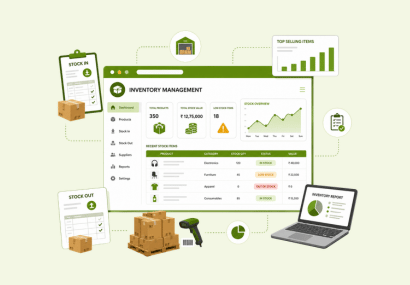
Inventory Management

Learn how to manage stock efficiently using TallyPrime, from inventory masters and batch tracking to price lists, purchase orders and sales orders.
Inventory Masters
Batch & Stock Tracking
Price Lists
Purchase & Sales Orders
image
Payroll & HR Management

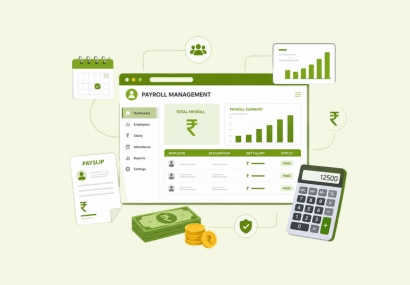
Payroll Management with Tally

Learn to manage payroll in Tally, from employee masters and salary structures to statutory deductions, income tax and payroll reports.

Payroll Masters
PF, ESI & Professional Tax
Salary & Income Tax
Payroll Reports
Tally Course

Key Features of Sam Tally Course

image
One to One Training

Learn by Doing, Not Just Watching

Tally

Every module combines trainer-led explanation with guided practice in TallyPrime. Learners work through realistic accounting activities such as creating ledgers, recording invoices, reconciling bank transactions, managing stock, generating GST reports and preparing financial statements.

Career Opportunities After Tally Training

Tally Course

TallyPrime is especially useful for entry-level accounting and business operations roles that involve bookkeeping, billing, inventory, payroll, compliance support and financial reporting. The course should focus on the tasks employers expect candidates to carry out confidently.

image
15 +
Years of experience
2 K+
Happy Students
500 +
Students Placed
Why Sam Tally

Why Learn TallyPrime with Us?

Why Sam Tally

Setting up Tally on Cloud takes less than an hour. We handle the entire server configuration so your business stays up and running.

Certified Training Partner

Learn through a trusted training provider aligned with Tally education standards.

Practical, Hands-On Learning

Practice with accounting scenarios, invoices, vouchers, GST entries and business reports.

Job-Oriented Curriculum

Build skills relevant to Accounts Executive, Billing Executive, GST Assistant and Junior Accountant roles.

Experienced Trainers

Learn with guidance from professionals who simplify accounting concepts and Tally workflows.

Flexible Learning Options

Offer weekday, weekend, classroom or live-online batches according to your actual model.

Career Guidance

Resume support, interview preparation and placement assistance—state this only if it is genuinely available.

Learn, Earn, and Grow with Tally Certification

Enroll Now
Join Now

Get Enroll Now

Hello


    FAQ

    Frequently Asked Questions

    FAQ
    Can I run Tally on Cloud on a Mac computer?

    Yes. Tally on Cloud works directly inside web browsers like Safari and Chrome on macOS devices. You do not need to purchase separate Windows virtualization software for your Mac.

    A basic internet connection of 2 Mbps to 5 Mbps per user is sufficient. Tally on Cloud transfers light interface data, making it work smoothly even on mobile hotspots.

    Your data is stored on secure cloud servers using encrypted storage. Backups are saved offsite daily to protect against data loss.

    Yes. You own your data completely. You can download a backup of your company data to your local hard drive at any time through the self-service portal.

    If your team is growing past 10 users, or you're seeing slowdowns with multiple people working at once, it's worth checking. Sam Tally can review your setup and tell you honestly if you need it yet.