
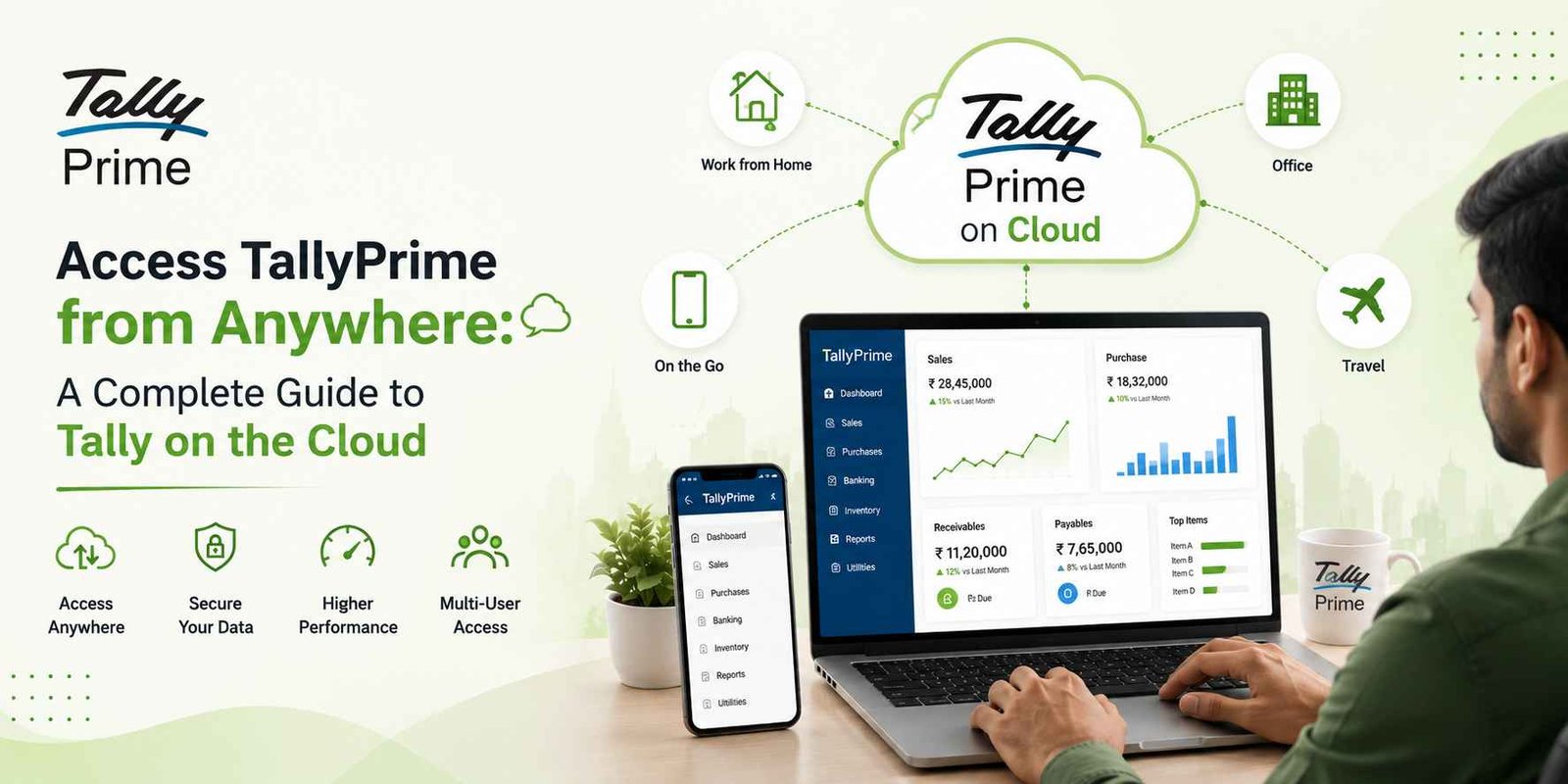
Managing business accounts should not mean being tied to a particular computer or office. With TallyPrime cloud access, businesses can work with their accounting data remotely, allowing business owners, accountants and authorised employees to access TallyPrime when they need it.
Whether you are working from your office, home, another branch or travelling, a suitable cloud setup can make TallyPrime more accessible and convenient.
In this guide, let’s understand how TallyPrime on the cloud works, its benefits, security considerations and how Sam Tally can help businesses get started.
What Is TallyPrime Cloud Access?
TallyPrime cloud access refers to running or hosting your TallyPrime environment on a cloud-based infrastructure so that authorised users can access it remotely.
Instead of depending only on a computer located in your office, your TallyPrime environment can be made available through a secure remote-access setup.
This can be particularly useful for businesses where:
- Business owners need to check reports while travelling
- Accountants work from different locations
- Employees need remote access
- Multiple branches need access to accounting data
- Businesses want greater flexibility in their working arrangements
The exact features and access methods depend on the cloud infrastructure and TallyPrime configuration used by the business.
Why Do Businesses Need Remote TallyPrime Access?
Traditional accounting setups often keep the software and company data on a specific office computer or local network.
This can create challenges when someone needs to access information outside the office.
For example, a business owner travelling to another city may want to check:
- Today’s sales
- Outstanding receivables
- Cash and bank balances
- Stock availability
- Purchase transactions
- Business performance reports
With an appropriate cloud-access setup, authorised users can access their TallyPrime environment remotely without needing to be physically present at the office.
Access TallyPrime from Anywhere
One of the biggest advantages of a cloud-based setup is flexibility.
Depending on your configuration and access permissions, you can work with TallyPrime from different locations, such as:
Office → Home → Branch Office → Client Location → While Travelling
This can help business owners and accounting teams stay connected with their financial operations even when they are away from the main office.
Work from Office, Home or While Travelling
Business operations don’t always happen between 9 AM and 6 PM at one location.
You may need to review an important report after leaving the office or approve an accounting activity while travelling.
Cloud access can provide your authorised team with the flexibility to work remotely.
For example:
Business Owner: Check financial reports remotely
Accountant: Update accounting transactions from another location
Manager: Review business performance
Branch Team: Work with the central accounting environment
This flexibility can be especially valuable for growing businesses.
Multi-User Access and Collaboration
Businesses often have multiple people involved in accounting and financial operations.
A properly configured TallyPrime cloud environment can make remote collaboration easier by allowing authorised users to access the same working environment according to their assigned permissions.
This can help reduce dependency on a single office computer and make coordination between business owners, accountants and teams more convenient.
However, user access should always be configured based on the business’s requirements and security policies.
Is TallyPrime Cloud Access Secure?
Security is one of the most important considerations when moving accounting operations to a cloud environment.
Your TallyPrime setup may contain sensitive business information such as:
- Customer details
- Supplier information
- Sales and purchase data
- Financial transactions
- GST-related information
- Outstanding balances
- Business reports
Therefore, cloud access should be implemented using a reliable infrastructure, secure authentication, appropriate user permissions and regular backups.
At Sam Tally, we help businesses understand their requirements and choose an appropriate setup for accessing TallyPrime remotely.
Benefits of TallyPrime Cloud Access
1. Access from Different Locations
Work with your TallyPrime environment without being restricted to the office location.
2. Greater Flexibility
Business owners and accounting teams can work remotely when required.
3. Easier Collaboration
Authorised team members can work from different locations.
4. Centralised Accounting Environment
Businesses can maintain their accounting operations in a centralised setup.
5. Convenient Business Monitoring
Business owners can access important reports and information when they need them.
6. Suitable for Growing Businesses
Cloud access can be useful for businesses with remote employees, branches or multiple locations.
7. Professional Support
With the right implementation partner, businesses can get assistance with setup, configuration, troubleshooting and ongoing support.
| Feature | Traditional Desktop Setup | TallyPrime Cloud Access |
|---|---|---|
| Office-based access | ✅ | ✅ |
| Remote access | Limited | ✅ |
| Work from home | Depends on setup | ✅ |
| Access while travelling | Limited | ✅ |
| Multiple-location working | More challenging | Easier |
| Centralised environment | Depends on network | ✅ |
| Remote collaboration | Limited | ✅ |
Who Can Benefit from TallyPrime Cloud Access?
TallyPrime cloud access can be particularly useful for:
- Small and medium-sized businesses
- Business owners who travel frequently
- Companies with multiple branches
- Businesses with remote accounting teams
- Companies working from multiple locations
- Businesses that need flexible accounting access
- Accountants and professionals managing accounts remotely
Why Choose Sam Tally for TallyPrime Cloud Services?
Setting up TallyPrime for remote access is not simply about moving software to the cloud. The setup needs to consider users, access permissions, connectivity, security, data management, and business requirements.
Sam Tally can help businesses with the TallyPrime cloud-access process, from understanding your requirements to implementing the appropriate solution.
Our support can help you with:
- TallyPrime setup
- Cloud access configuration
- User access requirements
- Remote working setup
- Troubleshooting
- Data and backup guidance
- Ongoing TallyPrime support
Our goal is to help you use TallyPrime more efficiently while giving your team the flexibility to work from different locations.
Frequently Asked Questions
1. Can I access TallyPrime from anywhere?
Yes, TallyPrime can be accessed remotely when it is configured with a suitable cloud or remote-access solution. The exact access method depends on your infrastructure and requirements.
2. Can I use TallyPrime from home?
Yes. With an appropriate cloud-access setup, authorised users can work with TallyPrime from home without being physically present at the office.
3. Is TallyPrime cloud access suitable for small businesses?
Yes. Small and medium-sized businesses can benefit from remote access, especially when business owners or accounting staff need to work from different locations.
4. Can multiple users access TallyPrime through the cloud?
Yes, multiple authorised users can access the TallyPrime environment depending on the TallyPrime configuration, user permissions and cloud infrastructure.
5. Is my TallyPrime data safe on the cloud?
Security depends on the cloud infrastructure and how the environment is configured. Businesses should use appropriate security controls, user permissions, authentication and regular backups.
6. Can I access my TallyPrime data while travelling?
Yes, if your TallyPrime environment has been configured for secure remote access and you have the required user permissions and connectivity.
7. Will my existing TallyPrime data be available on the cloud?
Depending on the chosen cloud solution and migration process, your existing company data can generally be made available in the new environment. A proper setup should be planned before moving or accessing the data.
8. Do I need to install TallyPrime on every computer?
Not necessarily. The installation and access requirements depend on the cloud solution being used. In some setups, users remotely access a centrally hosted TallyPrime environment.
9. Can Sam Tally help with TallyPrime cloud setup?
Yes. Sam Tally can assist businesses with TallyPrime cloud-access requirements, setup, configuration and ongoing support.
10. How do I get started with TallyPrime cloud access?
Start by discussing your requirements with the Sam Tally team. We can understand your number of users, locations, working style and existing TallyPrime setup and recommend a suitable approach.
Take Your TallyPrime Experience Beyond the Office
Your business should not stop when you leave your office.
With the right TallyPrime cloud-access solution, you can give your authorised team greater flexibility while staying connected with your accounting operations.
Need TallyPrime access from anywhere?
Talk to Sam Tally today and find the right cloud solution for your business.