
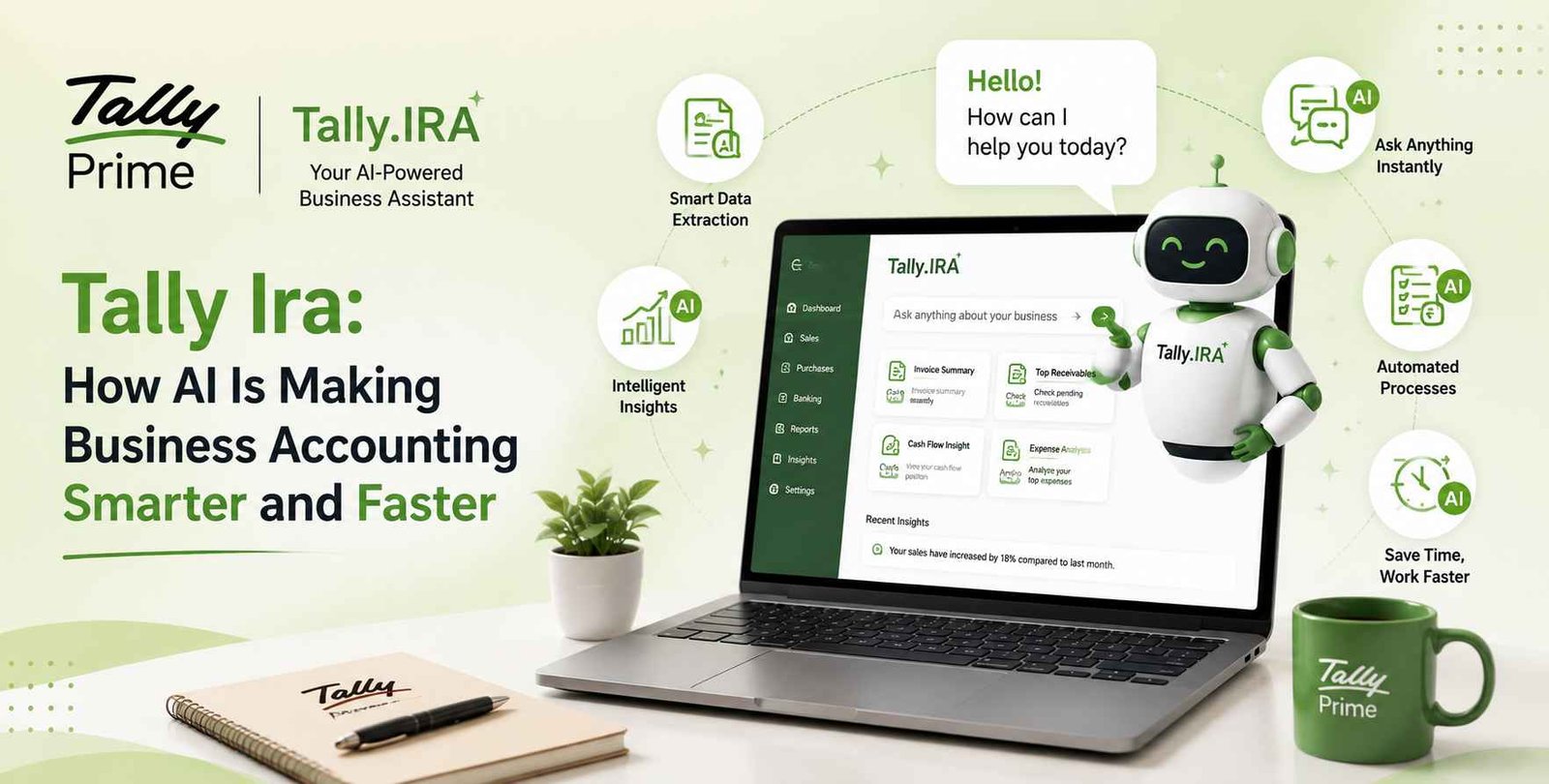
Manual data entry, endless stacks of paper invoices, and late-night reconciliation sessions have long been the thorn in the side of accountants and business owners alike. While core accounting software like TallyPrime simplified ledger management decades ago, the physical act of getting purchase bills, receipts, and vendor invoices into the system remained painfully manual.
Enter Tally Ira—an artificial intelligence initiative designed to transform traditional bookkeeping into a streamlined, high-speed automated workflow. By bringing intelligent document processing directly into the Tally ecosystem, Tally Ira bridge the gap between static paper trail accounting and dynamic digital intelligence.
What is Tally Ira?
Tally Ira is the foundational AI assistant built for the Tally ecosystem, engineered to handle repetitive, time-consuming bookkeeping tasks without stripping away user control.
Its flagship feature, Docs by Ira, acts as an intelligent document reader. Instead of an accountant manually reading an invoice line-by-line and typing every field into Tally, Docs by Ira scans the document, extracts key data points, and automatically generates accounting-ready draft transactions.
Crucially, Tally Ira does not post entries blindly. It prepares draft vouchers for review, ensuring human oversight while taking over the heavy lifting of raw data entry.
Why AI is Becoming Important in Accounting
Accounting has always required precision, but speed and business agility are now equally vital. The traditional bookkeeping model presents several structural friction points:
- High Volume, Low Value Work: Spending hours typing party names, tax percentages, invoice dates, and item quantities wastes skilled financial talent.
- Typo Risk: Manual data entry inevitably leads to human error—misplaced decimals, transposed digits, or wrong GSTIN entries that cause compliance nightmares down the road.
- Month-End Bottlenecks: When invoices stack up toward the end of a tax filing cycle or financial quarter, accounting teams get overwhelmed, leading to delayed financial reporting.
AI addresses these challenges by processing unstructured financial documents (PDFs, images, paper scans) into structured accounting data in seconds. It frees professionals from typing tasks so they can shift their focus toward cash flow management, tax planning, and strategic advisory services.
Key Features: How Tally Ira Modernizes Bookkeeping
1. Scan or Import Invoice Data Effortlessly
Tally Ira eliminates rigid file-format restrictions. Whether an invoice arrives as a digitally generated PDF in an email, a scanned image on a desktop, or a quick photo taken from a smartphone via the TallyIra mobile app, the system ingests and processes it seamlessly. It supports both single uploads for daily entries and bulk processing for high-volume periods.
2. Cut Up to 80% of Manual Data Entry
By utilizing Optical Character Recognition (OCR) alongside specialized machine learning algorithms trained on invoice structures, Docs by Ira automatically extracts:
- Party Name & Vendor Details
- Invoice Number & Date
- Line Items, Quantities, and Rates
- GST Breakdown (CGST, SGST, IGST) & HSN/SAC Codes
This automated extraction slashes up to 80% of the manual effort traditionally spent on data entry, drastically accelerating voucher generation cycles.
3. Smart Master Mapping & Exception Highlighting
One of Tally Ira’s most powerful attributes is its adaptive learning:
- Smart Mapping: It matches extracted vendor names and stock items with your existing Tally masters automatically. If a item or ledger does not exist, it assists in creating a new one.
- Memory Function: If you manually correct a vendor mapping once, Docs by Ira remembers your preference for future invoices from that same supplier.
- Exception Highlighting: Instead of making you proofread entire documents, the system proactively flags missing GST numbers, duplicate invoice numbers, or math mismatches so you only focus on entries that need attention.
4. Direct Insights from Business Data
Beyond raw entry, integrating intelligent document processing allows business managers to query, inspect, and analyze transaction drafts before finalizing them. Users can spot tax mismatches prior to filing, catch duplicate billing attempts immediately, and audit incoming vendor rates in real time before approving vouchers into their core ledger.
5. Drastically Improved Accounting Productivity
By replacing tedious line-by-line keyboard input with a fast review-and-approve workflow, accounting teams can process hundreds of invoices in a fraction of the usual time. Peak periods like month-end closing, GST reconciliation, and annual audits become smooth, manageable operations rather than chaotic crunches.
How Tally Ira Works with TallyPrime
Tally Ira is not an external software application that replaces Tally; it functions as an intelligent extension natively integrated with TallyPrime.
- Capture: The user takes a picture of an invoice using the TallyIra mobile app or drags a digital PDF into TallyPrime.
- Process: Tally Ira reads the file in the background, extracts relevant fields, maps ledgers, and detects any discrepancies.
- Drafting: A draft voucher is instantly prepared inside TallyPrime.
- Approval: The accountant opens the draft list, reviews flagged exceptions or corrections, clicks Approve, and the voucher posts directly to the main books.
Frequently Asked Questions (FAQs)
Does Tally Ira automatically post entries to my books without human approval?
No. Tally Ira is designed with complete human control in mind. It converts invoices into draft vouchers. Nothing is officially posted to your main accounting ledgers until an authorized user reviews and approves the entry.
Is my business data secure with Tally Ira?
Yes. Tally Ira operates under strict privacy principles. Your business documents and extracted data are used exclusively for generating your transactions. They are never shared publicly or utilized to train public AI models for third parties.
What happens if an uploaded invoice is missing details or has errors?
Tally Ira includes built-in Intelligent Exception Highlighting. If an invoice lacks crucial information (like a missing GSTIN or tax mismatch), the system flags the specific draft entry, allowing the accountant to inspect and rectify the issue prior to finalizing.
What file formats does Docs by Ira support?
Docs by Ira supports a wide variety of formats including standard digital PDFs, scanned PDF files, image uploads (JPEG/PNG), and real-time photo captures submitted via the TallyIra mobile app.
Will Tally Ira recognize ledgers I have already created in TallyPrime?
Yes. Tally Ira automatically scans your existing Tally masters (party ledgers, stock items, tax heads) and intelligently maps the invoice items to them. Furthermore, if you correct a mapping during review, Tally Ira remembers your correction for subsequent bills from that vendor.